Get your OREGON Boating Safety Education Card Online with Boater Exam®
Who needs to take the Oregon boating safety education course?
All operators who are operating a boat with a motor greater than10HP must have an Oregon Boating Safety Education Card.
Returning user? Log in here
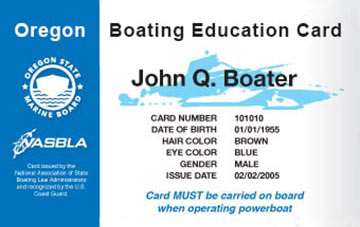

Approved by the
Oregon State Marine Board
Complete the Oregon Boaters Safety Course in
4 Easy Steps
Take your BOATERexam® course and be certified for life!
Step 1
Sign Up
Sign up for a Boaterexam® account, pay for the official course, and get started. It only takes a few minutes.
Step 2
Study & Pass the Online Course
Take the course on desktop, tablet or mobile. We automatically save your progress so you can learn at your own pace.
Step 3
Print Your Temporary Card Immediately
Pass the online exam and print your temporary Boating Safety Education Card immediately.
Step 4
Go Boating!
Hit the water! You're all set to legally operate a boat.
Over 2,000,000 boating students certified and counting:
BOATERexam.com has a TrustPilot rating of 4.7 out of 5 based on 17707 ratings and reviews.
Oregon Boating Safety Course
Out-of-state boaters are required to carry their home states boating education card while operating a motorboat over 10 hp. If their home state doesn’t require or offer boating safety education, they will need to take the Oregon’s Boating Safety Education course and purchase and carry the Oregon card before operating on Oregon waters.
Boating Age Requirements
In Oregon, no one may operate a motorboat if they are under the age of 12.
Operators of powerboats greater than 10 horsepower, and youth 12-15 operating any size powerboat, are required to take a boater safety course on basic boating skills and/or pass a test to demonstrate basic boating knowledge. Upon successful completion of the test, the Oregon Boating Education Card can be obtained and must be carried on-board while operating.
Youth 12-15 years of age need to carry the Oregon Boating Education Card when operating boats 1-10 hp alone. When youth 12-15 years of age operate a powerboat over 10 hp, they must carry the Oregon Boating Education Card on-board AND a Card-holding adult (16 or older, 18 for personal watercraft) must be on-board in direct supervision.
Personal Watercraft (PWC) Age Requirements
PWC operators in Oregon must be at least 16 years old. Operators must have proof of successful completion of an approved Boating Safety Course. A Card-holding adult (18 and older) must be in direct supervision on the PWC when anyone 12-15 years of age is operating.
Mobile Optimized
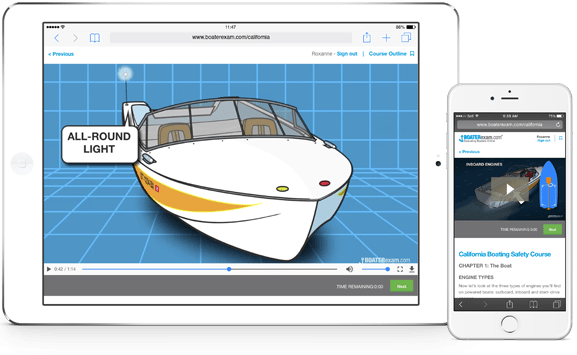
Study on Any Device
From laptop to mobile phone to tablet, choose when and where to take your boating course and get your Oregon Boating Card.
Visual Exam Questions
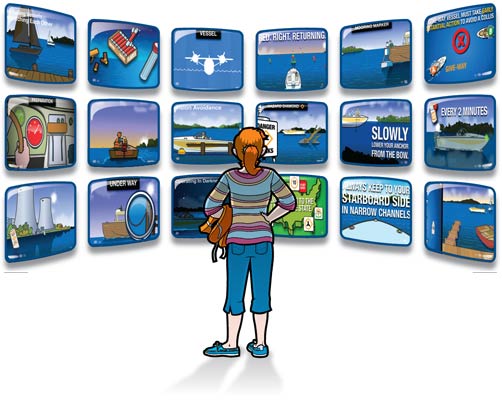
Visual Exam Questions Help You Learn
We found out a long time ago that people learn best when they can see what they're learning. Shouldn't you be tested the same way? Every one of our exam questions is illustrated to help you get your boating licence.
Engaging Videos
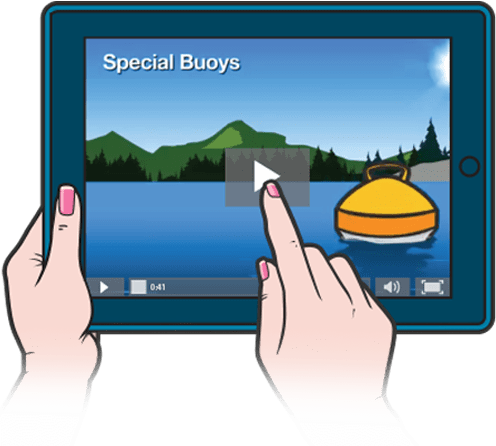
Hundreds of Engaging Videos
Our Oregon boating license course features hundreds of rich engaging boating videos and animations. That means you aren't just reading: You're watching, listening and learning.
$49.95 + $20 card fee
Returning user? Log in here
Oregon Approved Boating License & Safety Course

BOATERexam.com® is trusted by agencies across the United States to deliver the best of quality in boater safety. Our courses consistently receive the highest level of approval from agencies and from boaters.
This official Oregon boating safety course is approved by the Oregon State Marine Board.
Oregon State Marine Board
435 Commercial St NE #400
Salem, OR 97301
https://boat.oregon.gov/

Protect your on-water adventures
Relaxing on the water is easy when you’re protected with a leader in boat insurance. Progressive has the coverages you need to explore carefree and full of adventure! Discover how we can protect your boat today with coverage we offer to the 1 million+ watercraft we already insure.
Get a Quote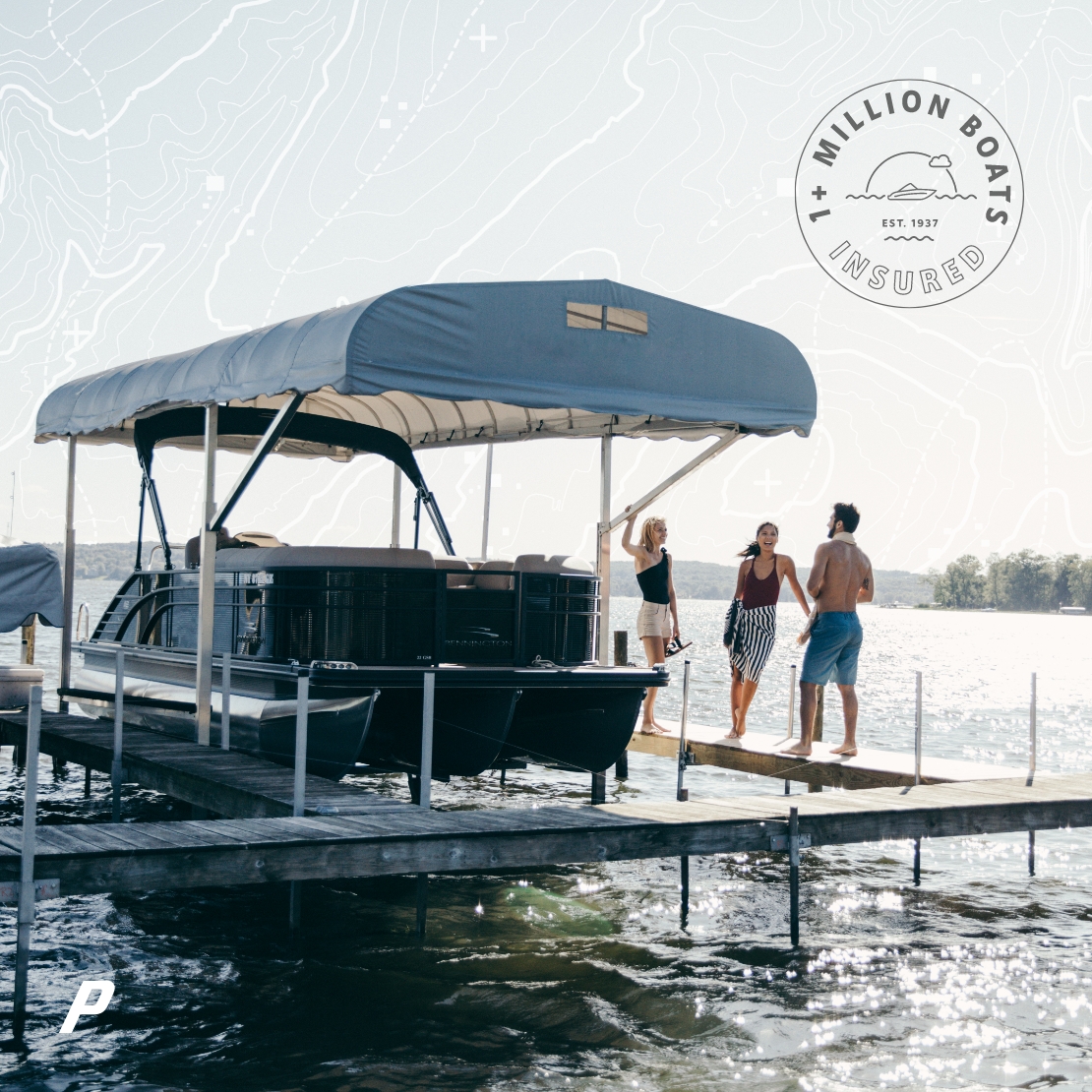

FAQs about getting a Oregon Boating Safety Education Card
Below are some common questions about safe boating rules & regulations.
Q.
How much does the boat safety course cost?
A.
Q.
What payment methods are accepted?
A.
Q.
What is the "Certificate of Completion"?
A.
The Certificate of Completion is a temporary proof of competency and proves that you took a boater education course and passed.
This certificate acts as a Oregon's temporary Boating Safety Education Card for 30 days after course completion and must be carried while operating a boat with a motor greater than 10 hp on Oregon waters.
Q.
What is the Oregon Boating Safety Education Card?
A.
Q.
I do not have a driver's license. Can I still get the Oregon boater license?
A.
Q.
How can I get my Oregon Boating Safety Education Card?
A.
You can obtain your Oregon Boating Safety Education Card in 3 easy steps:
- Pay the one-time fee of $49.95 ($34.95 + $20.00 state fee for the card) - free unlimited retries of the final exam
- Study the Oregon Boaters Safety Course, and pass the final exam
- Print your Certificate of Completion, and receive your permanent Oregon Boating Safety Education Card in the mail within 30 days
This official Oregon boaters safety course is approved by the Oregon State Marine Board.
Q.
How long is the boat safety course and the Boating Safety Education Card good for?
A.
Q.
Is anyone exempt from obtaining the Oregon Boating Safety Education Card?
A.
Q.
Is there a time limit to complete the online course?
A.
Q.
How many questions are on the exam?
A.
Q.
What is the passing grade?
A.

Need Help? Visit the BOATERexam.com® Help Center
The BOATERexam.com® Help Center is the place to find answers and solutions to your questions.
We've helped over 2 million people get certified online. So, we know what it takes.